
Here we will explain how to create a Google Play Console account, walking through the method step by step and how to prepare for the registration process. First, we need to enable 2-Step Verification on your Google account. Second, you must have a valid payment card with sufficient funds to cover the registration fee, which is estimated at $25 USD (twenty-five US dollars).
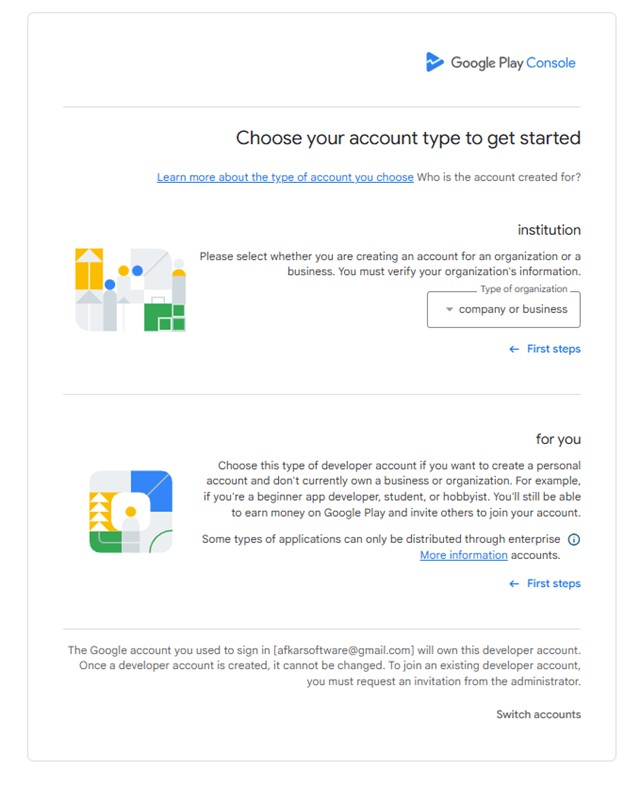
The first step in registration is choosing the account type. Personal Account: This account is for individual developers to upload their apps and requires a closed test with 12 testers before publishing the app. Organization Account (Company): This account type is for companies, and a D-U-N-S number is a basic requirement to open the account.
They will ask for some specific information, such as personal information or company data, in addition to your public developer name, support email address, and your country. Google requires National ID card and official documents to link to your Google Pay account information.
Table of Contents
Getting Ready to Start
Before you begin, make sure you meet the requirements below:
- You must have a Google account (Gmail).
- Your Google account must have 2-Step Verification enabled.
- You must have a valid credit card with sufficient funds amounting to $25 USD.
To sign up for a Google Play Developer account, please click the direct link: Google Play Console Signup
Choosing the Account Type
This step is crucial for you to determine the account type, as you cannot switch from a personal account to an organization account later.
Organization Account (For Companies)
- Requirements: You must have a D-U-N-S number (a unique 9-digit identifier for companies). Obtaining this number can take from a few days to a few weeks.
- Mandatory requirement for financial apps, banking services, loans, cryptocurrency wallets, and financial technology (FinTech) apps.
- Health apps (medical or research apps).
- Government apps and VPN apps.
- Company accounts are not subject to the closed testing requirement that needs 12 testers for 14 consecutive days.
Personal Accounts
- Requirements: National ID card and a payment method.
- Testing Requirements: Accounts created after November 2023 are mandatory to adhere to the closed testing policy before publishing the app, requiring 12 testers for 14 consecutive days.
- Visibility: Your name, address, and country will be publicly visible in the developer account information.
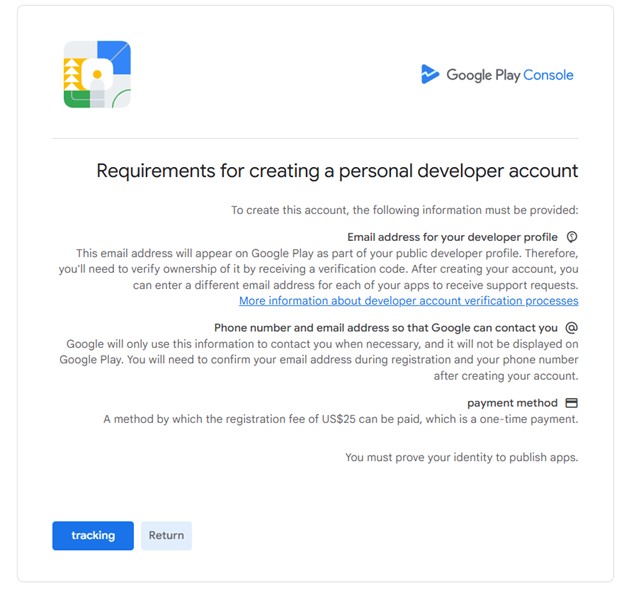
Requirements Page
This page contains all the requirements you need to have in place before starting.
- Public Email Address: This email will be visible on the Google Play Store for user support (requires verification).
- Private Contact Information: A separate email address and phone number for Google to contact you (not public).
- Registration Fee: A one-time payment of $25 USD.
- Identity Verification: You must provide an official ID to get permission to publish apps.
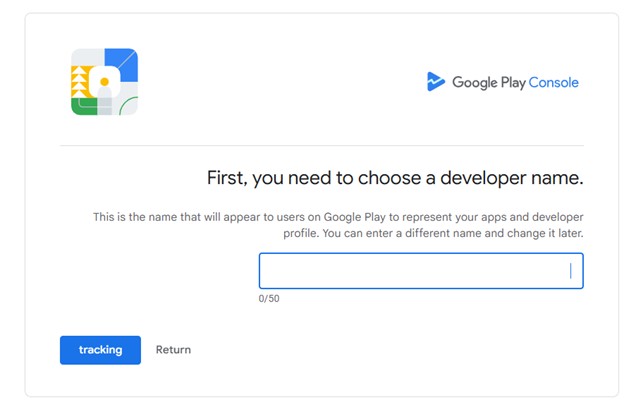
Entering the Developer Name
This name is your trade name, distinguishes your apps from others, and you can change it later.
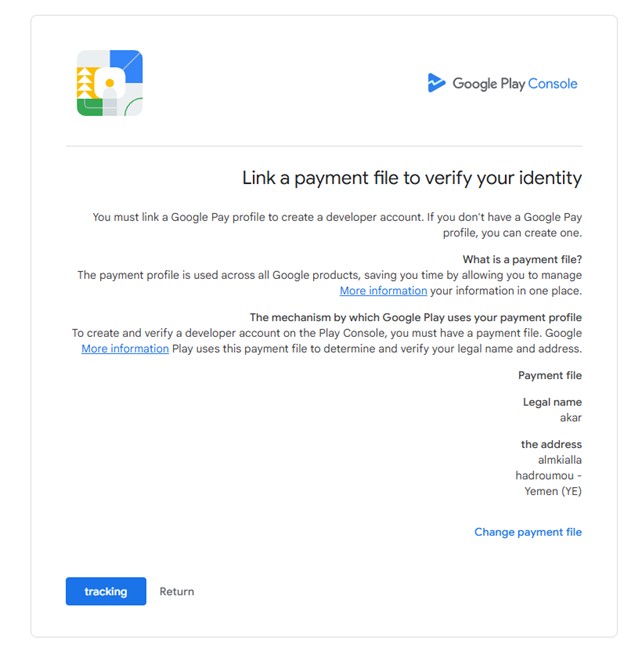
Linking the Payment Profile to Developer Identity
To create a Google Developer account, you must link a payment profile or create a new one.
- Purpose: Google uses this data to verify your identity and address through payment information, ensuring data accuracy across various Google services.
- You cannot create a Google Play Developer account without a payment profile.
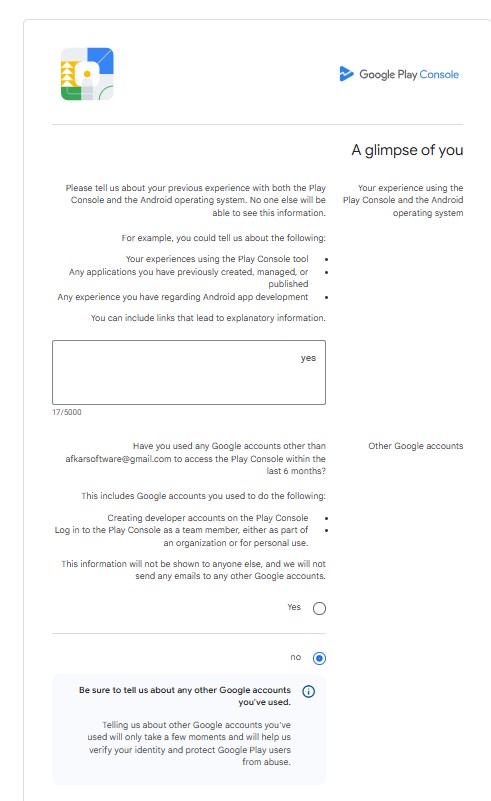
A Glimpse About You
Here, Google wants to know your experience and skills in handling a Google Play Developer account. Please write a brief statement about your experience in building apps and technologies.
Other Google Accounts
This step is part of Google's security verification process.
- If you choose No: You are confirming that this is your only account on the Google Play Console.
- If you choose Yes: You must mention the other accounts you own.
Google uses this information to prevent policy violations and duplicate or banned accounts.
Website Requirements
Even without a personal website, Google requires a URL for verification purposes.
If you don't have a website, here are alternatives:
- Your GitHub account
- Your LinkedIn account
- Social media accounts
The website link must start with https://.
Applications
Number of Applications
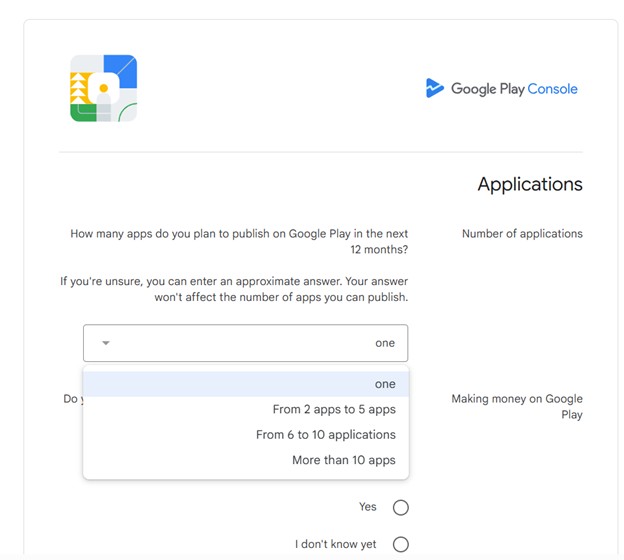
How many applications do you plan to publish on the Google Play Store in the next twelve months?
- Only one app
- 2 to 5 apps
- 6 to 10 apps
- More than 10 apps
App Categories
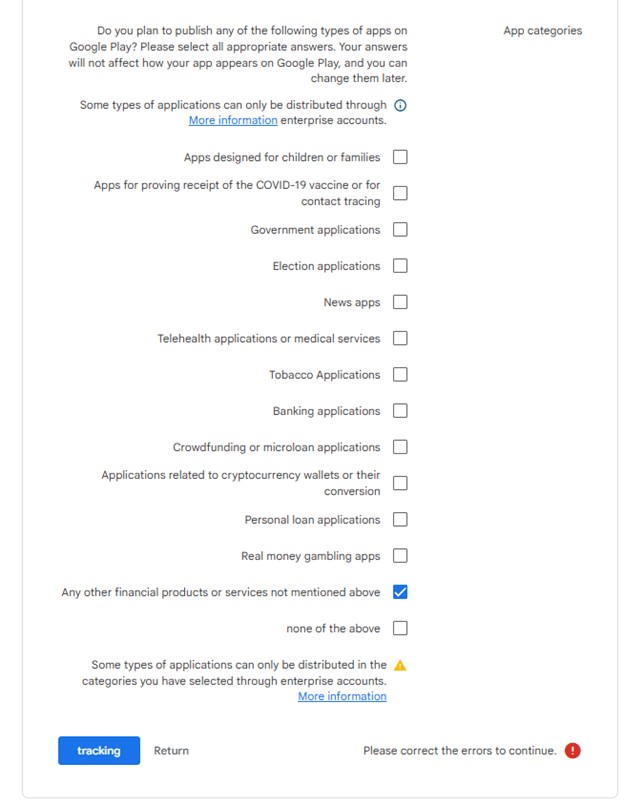
Do you plan to publish any of the following types of applications on the Google Play Store? Please select all that apply.
You can change these options later, and they will not affect your app's visibility.